User's Guide

Displaying the User Box Screen
Displaying from the home screen of basic style
Tap [Box] on the home screen.
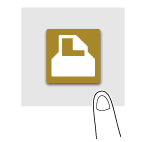
The User Box screen is displayed.

When the optional Expanded Memory Unit is not installed in this machine, [Box] is not displayed in the home screen of basic style. To use a Secure Document User Box, tap [Secure Print] on the main menu of classic style.
Displaying from the main menu of classic style
Tap [Classic Style] on the home screen.
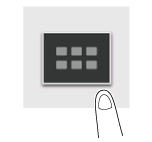
Tap [User Box] on the main menu of classic style.

The User Box screen is displayed.
When the optional Expanded Memory Unit is not installed in this machine, [Box] is not displayed in the main menu of classic style. To use a Secure Document User Box, tap [Secure Print] on the main menu of classic style.